
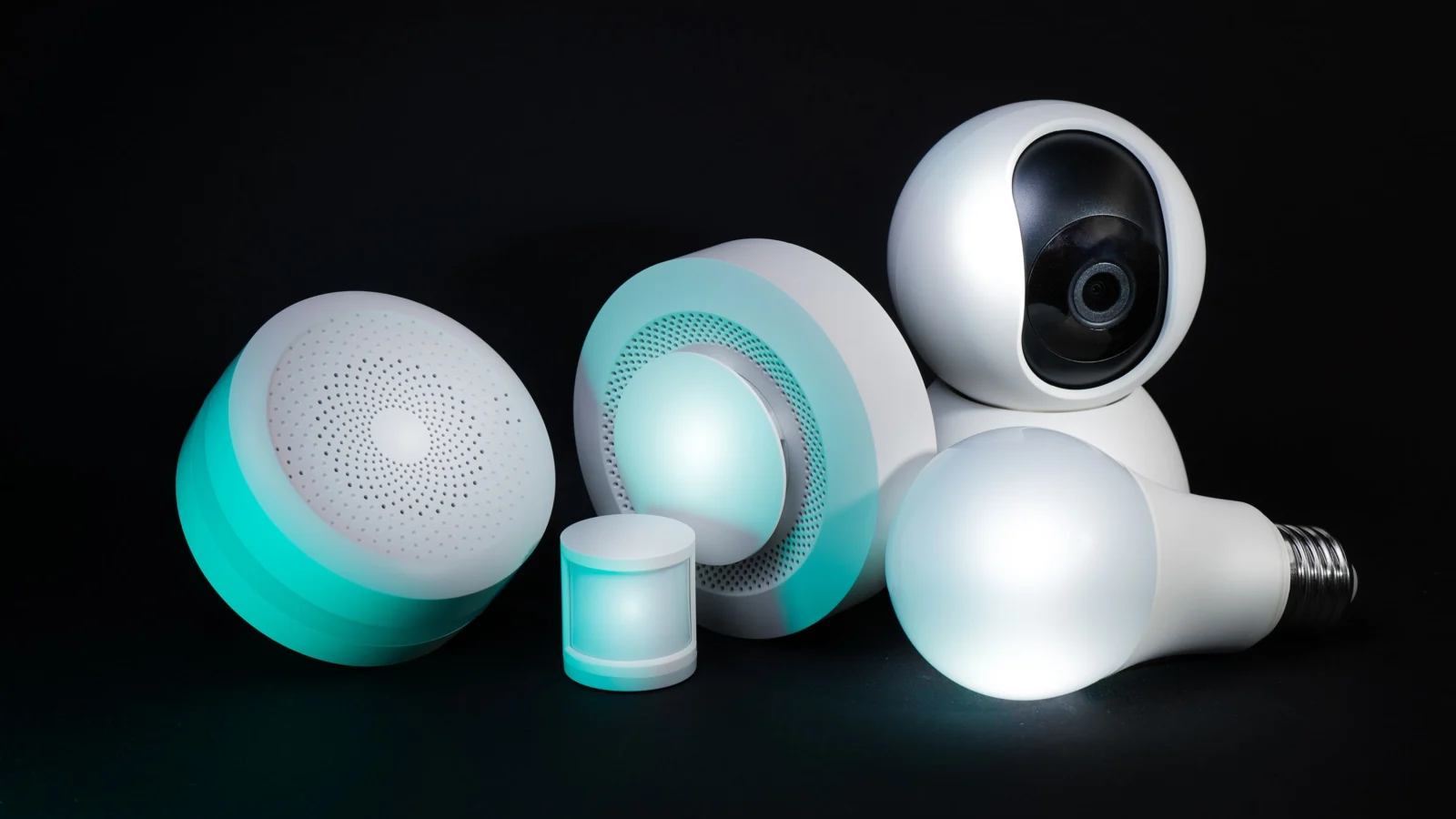
Bottom line up front: A smart home hub is a central device that links all your smart gadgets — lights, locks, thermostats, cameras — so you can control everything from one app, one screen, or your voice. It acts as a translator between competing wireless standards (Wi-Fi, Bluetooth, Zigbee, Z-Wave, Thread) so devices from different brands can work together. Apple's long-rumored HomePad, reportedly arriving October 13, 2026, would be the company's first touchscreen hub, built around a smarter Siri. In this guide, we break down what is a smart home hub in plain English — what it is, how it works, and how to use it.
Definition: A smart home hub — also called a smart hub, gateway, or controller — is a hardware device that acts as the central point of a smart home system. It senses, processes data, and communicates wirelessly with your devices, combining control of all of them into a single app or interface. (TechTarget)
What Is A Smart Home Hub: What does a smart home hub actually do?
Think of it as the brain of your connected home. Without a hub, every gadget lives in its own app: one for the bulbs, one for the thermostat, one for the doorbell. With one, everything lands in a single dashboard. Here are the four jobs it performs:
1. One app instead of ten
The hub consolidates your devices so you can monitor and control them remotely from one place, instead of jumping between a dozen manufacturer apps (CenturyLink).
2. A translator for competing protocols
Smart devices speak different wireless languages: Wi-Fi, Bluetooth, Zigbee, and Z-Wave are the common ones (TechTarget). A hub translates between them, which is why a Zigbee sensor can trigger a Wi-Fi bulb. Without that translation layer, cross-brand gadgets simply can't talk to each other (Chuango).
3. Routines that run themselves
Once devices share one brain, you can chain them into routines. Classic examples: schedule your smart blinds to close at midday and have the thermostat kick in at the same time, or set lights and a playlist to switch on every evening while you're on vacation so the house looks occupied (CenturyLink).
4. Control from anywhere
Because the hub bridges your home network to the internet, you can check cameras, lock doors, or adjust heating from your phone wherever you are.
Do you still need a smart home hub in 2026?
Short answer: maybe not a separate box — but you almost certainly need something doing the hub's job. Two standards have changed the math:
- Matter is the language. It's an application-layer standard that defines how smart home devices describe themselves, receive commands, and authenticate — so a bulb from one brand understands commands from another brand's app (Tech Advisor).
- Thread is the road. It's a low-power wireless mesh protocol (built on IPv6 over the 802.15.4 radio standard at 2.4 GHz) that carries those messages. Thread networks self-heal — if one device drops out, traffic reroutes — and a border router bridges the Thread network to your Wi-Fi and the internet (Phone Scoop).
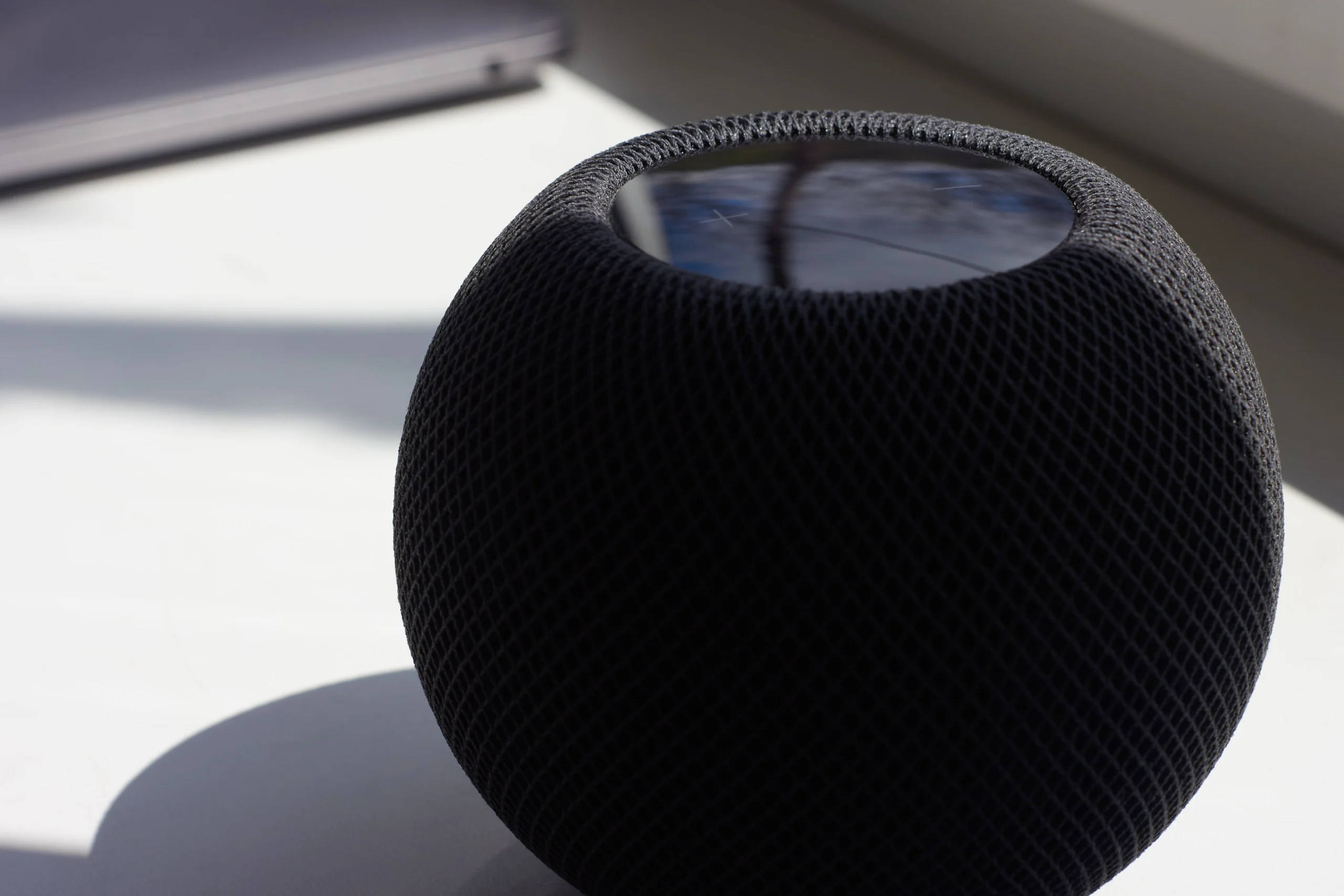
Here's the practical upshot: many devices you may already own — an Amazon Echo, a Google Nest speaker, or an Apple HomePod mini — already contain Thread border routers (Wozart). So for a small Matter-based setup, your phone plus an existing speaker may be enough.
A dedicated hub still earns its place when you want a wall-mounted family control panel, you own older Zigbee gear that needs a bridge, or you want automations that keep working locally even if your internet connection drops.
What is Apple's HomePad?
Important context: Apple has not announced this product. Everything below comes from reporting — chiefly Bloomberg's Mark Gurman — and from code references, not from Apple itself (iTechPost).
The device, widely called HomePad and reportedly codenamed J490, is expected to be Apple's first touchscreen smart home hub, launching alongside refreshed HomePod mini and Apple TV hardware on October 13, 2026 (9to5Mac). Here's what the reporting says so far:
- Screen and design: a roughly 6-inch, nearly square touchscreen. The tabletop version is said to echo the iconic iMac G4, with a rounded metal speaker base and a tilting arm holding the display; a second, slimmer version mounts on a wall (9to5Mac; The Apple Post).
- Software: an all-new interface built around Siri AI, blending elements of iOS, tvOS, watchOS, and the iPhone's StandBy mode, with widgets and customizable clock faces (The Apple Post).
- What it'll do: central control of smart home accessories, FaceTime video calls, Intercom, music, photo slideshows, and live security-camera feeds (Notebookcheck).
- Who's talking: voice and facial recognition are expected to identify household members and personalize the interface for each person (Notebookcheck).
- Power and finish: USB-C power with no built-in battery, in Apple's standard gray aluminum finish (MobilityArena).
Independent corroboration exists: Engadget found references to a "HomeAccessory" device in a macOS 26.7 beta, including "Faces" and a "Face Gallery" — suggesting Apple Watch-style customizable watch faces with complications for weather or device control (Notebookcheck).
What's still unknown: the final product name, the price, and the actual on-sale date. Treat every detail above as reported, not confirmed.
How does the HomePad compare to the Echo Hub and Nest Hub?
Apple isn't first to the touchscreen-hub idea. Here's how the reported HomePad stacks up against the two established rivals:
| Feature | Apple HomePad (reported) | Amazon Echo Hub | Google Nest Hub (2nd gen) |
|---|---|---|---|
| Screen | ~6-inch touchscreen (reported) | 8-inch, 1280×800 | 7-inch, 1024×600 |
| Assistant | Siri AI (reported) | Alexa | Google Assistant |
| Smart home protocols | Matter/Thread expected (unconfirmed) | Wi-Fi, Bluetooth, Zigbee, Thread, Matter | Wi-Fi, Bluetooth, Thread, Matter |
| Standout trait | Apple ecosystem, FaceTime, per-person profiles (reported) | Wall-mountable control panel with proximity-sensing dashboard | Sleep tracking via Soli radar; no camera |
| Price | Not announced | $179.99 at launch | $99 (frequently discounted) |
Echo Hub details: Tom's Guide. Nest Hub details: TechVib. HomePad details are reported, not confirmed: 9to5Mac.
How do you set up a smart home hub? (Beginner steps)
- Pick your ecosystem first. If your household runs on iPhones, Apple Home is the natural center; Android homes usually lean toward Google Home, and Alexa works well across both.
- Look for the Matter logo. Buying Matter-certified devices means they'll work with Apple Home, Alexa, Google Home, and SmartThings alike — you stop betting on one winner (Tech Advisor).
- Make sure you have a Thread border router if you buy battery-powered sensors or locks — a recent Echo, Nest, or HomePod mini already includes one (Wozart).
- Start with two or three devices — say, a smart bulb, a plug, and a door sensor — and get them all visible in one app before buying more.
- Build one routine, like "Goodnight" turning off every light and locking the door. One working routine teaches you more than ten idle gadgets.
Frequently asked questions
What is a smart home hub in simple terms?
It's the brain of your smart home: one device (or app) that connects your lights, locks, thermostats, and cameras so you can control them together instead of juggling a separate app for each gadget.
What's the difference between a smart hub and a smart speaker?
A smart speaker is mainly for voice, music, and questions; a smart home hub is mainly for controlling devices. Many modern products do both — an Echo or HomePod mini can be your speaker and your Thread border router, while a touchscreen hub adds a visual control panel the whole household can tap.
Do I need a smart home hub if I already use the Alexa or Google Home app?
For a small setup, probably not a separate box: the app plus a speaker with a Thread border router covers most Matter devices. A dedicated hub becomes worth it for larger homes, older Zigbee devices, wall-mounted control, or automations you want running locally.
Is the Apple HomePad real?
Apple hasn't announced it. Bloomberg's Mark Gurman reports a touchscreen smart home hub codenamed J490 is set to debut October 13, 2026, alongside new HomePod mini and Apple TV models — and code references in a macOS beta back the story up. Until Apple confirms it, treat specs and the name as well-sourced reporting, not fact.
Will the HomePad work with non-Apple smart devices?
Very likely, for anything Matter-certified: Matter exists precisely so one device can work across Apple Home, Alexa, Google Home, and SmartThings. Apple is one of the standard's backers and already ships Thread border routers in the HomePod mini. Gadgets locked to a rival's proprietary system are a different story.
How much does a smart home hub cost?
Established options are affordable: the Amazon Echo Hub launched at $179.99 and the Google Nest Hub (2nd gen) sells for around $99, often less on sale. Apple hasn't announced HomePad pricing.
Keep exploring: How Live Translation Works in Google Translate · Temple & Brain-Sensing Wearables, Explained

Developers, designers and marketers who build websites, software, apps and automations for businesses worldwide. Our editorial policy
1 comment