The short version: iOS 27 is Apple’s big 2026 iPhone update, headlined by a rebuilt Siri AI assistant, stronger parental controls, and speed improvements across the board. iOS 27.1 is not coming to your iPhone — it ships exclusively on the foldable iPhone Duo on October 23. Everyone else jumps straight from iOS 27 to iOS 27.2, expected later in October, adding more Siri AI languages, a Health app redesign in beta, Apple TV profiles, and Dual Capture for Group FaceTime.
What is iOS 27, and when did it come out?
Definition: it is the 2026 major release of the iPhone operating system. Apple previewed it at WWDC on June 8, 2026, and released it to the public on September 14, 2026, ahead of the iPhone 18 Pro launch.
Apple built it around three ideas: a far smarter Siri, better tools for families, and faster everyday tasks — especially on older phones. The Liquid Glass design from iOS 26 carries over, now with a slider to adjust how translucent menus and icons look. Macworld’s overview confirms the same three pillars and the September 14 rollout.
What is Siri AI, the headline iOS 27 feature?
Definition: Siri AI is Apple’s rebuilt voice assistant in it. It combines personal context from your apps, awareness of what’s on your screen, and web knowledge to hold natural back-and-forth conversations and take actions inside apps — much closer to a chatbot like ChatGPT than the old Siri.

Four things make Siri AI different this time:
- Personal context: Siri searches Mail, Messages, Notes, Reminders, Calendar, and Photos to answer questions like “what’s the door code Sarah texted me?” via a rebuilt search index.
- Onscreen awareness: Siri can see what you’re looking at and answer follow-up questions about it.
- Web knowledge: Siri searches the web for up-to-date answers on any topic.
- App actions: Siri can draft emails, add calendar events, and organize photos for you.
There’s also a standalone Siri app with chat history that syncs across iPhone, iPad, and Mac. Swiping down from the center of the screen now opens a “Search or Ask” interface replacing the old Spotlight search, and you can type to Siri, say “Hey Siri,” or hold the side button. On iPhone 17 Pro and iPhone Air you can set a custom Siri voice. For a deeper dive, see our What Is Apple Intelligence? Siri AI Explained“>Apple Intelligence and Siri AI explainer.
What Siri AI needs to run
| Capability | What you need |
|---|---|
| Basic it features | iPhone 11 or later, or iPhone SE (2nd generation) or later |
| Siri AI and Apple Intelligence features | iPhone 15 Pro or later |
| On-device dictation and custom Siri voice | iPhone 17 Pro or iPhone Air |
| Siri AI languages beyond English | it.2 (French, Japanese, Korean, Portuguese, Spanish) |
Two caveats: Siri AI launched in English only and wasn’t available in the EU at launch due to Digital Markets Act compliance work, and it’s not available in China. Details via MacRumors’ it roundup.
Which iPhones can run iOS 27?
it supports every iPhone that ran iOS 26 — the iPhone 11 and later, plus the second-generation iPhone SE and newer. The catch is that heavy AI features are gated by hardware, as the table above shows. Apple tuned it for speed on older models too: Photos captures load up to 70% faster, apps launch quicker, AirDrop is faster, and the phone switches between Wi-Fi and cellular more smoothly for fewer dropped calls.
What is iOS 27.1, and why can’t I download it?
Apple confirmed the iPhone Duo — its first foldable, launching October 23 — ships with it.1 preinstalled. That version carries foldable-specific code: app layouts for the Duo’s dual displays, a new vertical dock, and Xcode 27.1 tools for building foldable apps.
To keep those Duo details under wraps, it.1 will never be released to other iPhones — yours jumps from it straight to it.2. MacRumors and 9to5Mac confirm Apple even seeded the 27.2 beta before any 27.1 beta for existing phones.
iOS 27.1 vs iOS 27.2 at a glance
| it.1 | it.2 | |
|---|---|---|
| Who gets it | iPhone Duo only (preinstalled) | All it-compatible iPhones |
| Timing | October 23, with the Duo launch | In beta since September 16; public release expected later in October |
| Headline purpose | Foldable interface support | New features for everyone |
| Biggest additions | Dual-display layouts, vertical dock | More Siri AI languages, Health app redesign (beta), Apple TV profiles, Group FaceTime Dual Capture |
What’s new in iOS 27.2?
it.2 is the update most iPhone owners are waiting for. It’s been in beta since September 16, and Apple promised the new Siri AI languages for October — so expect the release before November. Here’s what’s in it, per 9to5Mac’s beta roundup:
Redesigned Health app (in beta)
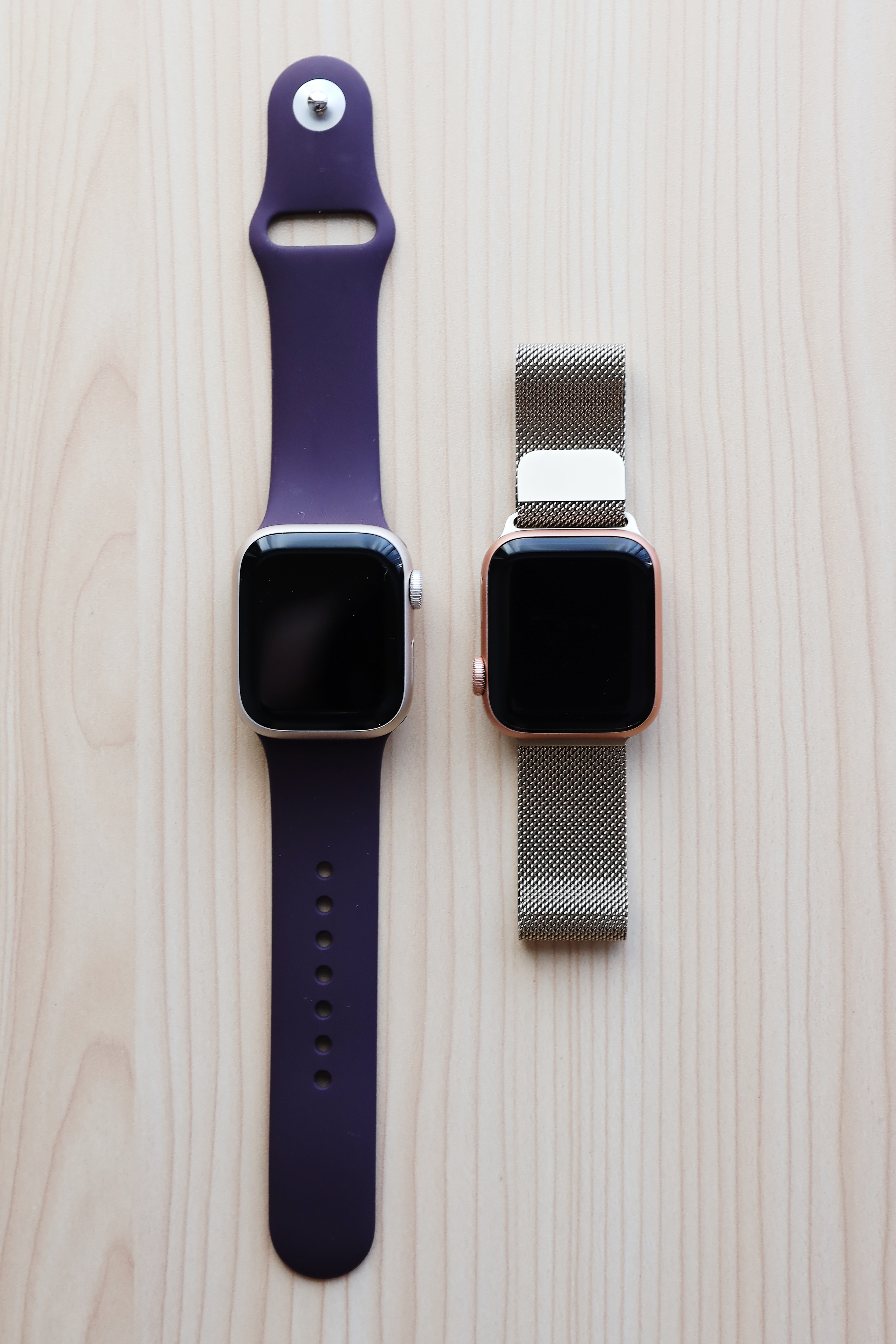
Apple previewed an all-new Health app at the iPhone 18 Pro event, and it’s now in beta inside it.2. It’s split into three tabs — Insights, Longevity, and Browse — with a design that adapts to your data using Apple Intelligence. The Longevity tab adds a “Health age” feature using Apple Watch data. Apple seems to be testing it ahead of a full release later this year, so it may not be finished when 27.2 ships.
Siri AI speaks five more languages
it.2 expands Siri AI beyond English to French, Japanese, Korean, Portuguese, and Spanish — the biggest reason non-English speakers have been waiting on this update.
Dual Capture comes to Group FaceTime
Dual Capture uses the front and rear cameras simultaneously during a FaceTime call, so the other person sees you and what you’re looking at. It.2 extends it to Group FaceTime. It needs an iPhone 17 or later, and everyone on the call must run it.
Smaller changes worth knowing
- Apple TV app profiles: profiles come to the iPhone’s TV app for the first time.
- Podcasts: “Up Next” becomes “New Episodes,” with color-matched backgrounds from each show’s art.
- Music: red icons and accents switch to black; code hints at live countdowns for album releases.
- Phone app: the Call Context feature now includes anniversaries from your contacts.
- Clock: small alarm-interface refinements.
- In development: code hints at third-party “Describe a Shortcut” support, new CarPlay Ultra themes, and an anti-snatching feature — none live yet.
What else arrived with iOS 27 itself?
Beyond Siri AI, it also added:
- Parental controls overhaul: Ask to Browse (parents approve new Safari websites), Time Allowances with age-tailored guidance, a redesigned Screen Time view, and Communication Safety that now blurs gore and violence — not just nudity — in Messages and FaceTime. MacTech has the full rundown.
- Photos editing: Spatial Reframing, Extend (AI-generated fill beyond the frame), and a smarter Clean Up tool.
- Safari: automatic tab grouping by topic, extensions you can describe in plain language, and a “Notify Me” page-change monitor.
- CarPlay: conversational Siri AI, a proper audio scrubbing bar, a persistent mini-player, more reliable wireless connections, and new “Celosia” wallpapers. Full details via MacRumors. For context on the silicon powering on-device AI, see our Apple M6 Chip Explained: 2nm Power in Simple Words“>M6 chip explainer.
How do I update to iOS 27 or 27.2?
- Back up your iPhone first.
- Open Settings > General > Software Update.
- If it (or 27.2, once released) appears, tap Download and Install while on Wi-Fi and charging.
In no rush? If you want the new Siri AI languages, 27.2 is the one to watch — but waiting a few days after its release to check for early bugs is perfectly fine.
Frequently asked questions
Can I download iOS 27.1 on my iPhone?
No. Apple made it.1 exclusive to the iPhone Duo foldable, which ships with it preinstalled on October 23. Other iPhones skip from it directly to it.2.
When is iOS 27.2 coming out?
No exact date yet, but it’s been in beta since September 16 and Apple promised the new Siri AI languages for October — so expect it later in October 2026.
Which iPhones can run iOS 27?
The iPhone 11 and later, plus the iPhone SE (2nd generation) and later. Siri AI and Apple Intelligence features need an iPhone 15 Pro or newer.
Is Siri AI available in my language or country?
Siri AI launched English-only. It.2 adds French, Japanese, Korean, Portuguese, and Spanish. It wasn’t available in the EU at launch (Digital Markets Act compliance) and isn’t available in China.
Will iOS 27 slow down my older iPhone?
Apple tuned it for speed on older supported models — faster app launches, quicker AirDrop, and Photos captures loading up to 70% faster. Older hardware simply skips the most demanding AI features.
Do I actually need to update to iOS 27.2?
Nobody needs an update on day one, but 27.2 brings the Siri AI language expansion plus bug fixes. If it works well, waiting a few days after release to check for issues is fine.

Developers, designers and marketers who build websites, software, apps and automations for businesses worldwide. Our editorial policy