The short answer: Face ID is Apple’s facial-recognition system for unlocking iPhones and iPads and approving payments. Every glance at your phone projects more than 30,000 invisible infrared dots onto your face, builds a precise 3D map, and compares a mathematical model of your face against encrypted data that never leaves your device. Apple puts the odds of a stranger unlocking your phone at roughly 1 in 1,000,000 — but Face ID is not flawless: identical twins, close relatives, face masks, and even the law can complicate the picture. In this guide, we break down face id biometric security in plain English — what it is, how it works, and how to use it.
Face Id Biometric Security: What Is Face ID, Exactly?
Face ID is a biometric authentication system developed by Apple that uses infrared sensors and machine learning to recognize your face. It replaces typed passcodes for everyday tasks: unlocking your iPhone or iPad, approving Apple Pay purchases, signing into apps, and filling in saved passwords.
Apple introduced Face ID in November 2017 with the iPhone X, replacing the fingerprint-based Touch ID on its flagship phones (Wikipedia). The technology traces back to PrimeSense, an Israeli depth-sensing firm Apple acquired in 2013 that had built the motion-tracking tech inside Microsoft’s Kinect. Today Face ID ships on iPhone X and newer models (except the SE line) and on iPad Pro from the third generation onward — and with the iPhone 16e, Apple’s entire smartphone lineup now uses it. If you pay with your phone, see also What Is a Digital Wallet? How Phone Payments Work.
How Does Face ID Scan Your Face?
It all happens in the TrueDepth camera system in the notch at the top of your screen, in a fraction of a second:
- The flood illuminator bathes your face in invisible infrared light, so the system works even in a pitch-dark room.
- The dot projector fires 30,000+ infrared dots onto your face. A tiny laser (a VCSEL) makes the light, and an optical element splits it into a precise grid. Where the dots stretch over your nose, cheeks, and brow, the system reads depth (Popular Science).
- The infrared camera captures the pattern, producing a 3D depth map plus a 2D infrared image.
- The Neural Engine builds a mathematical model of your facial geometry and compares it with the template from setup (two slow head-turns). It keeps learning, so it adapts as you grow a beard, change hairstyles, or wear glasses (Gizmodo).
- Match found — the phone unlocks. After five failed scans in a row, Face ID stands down and demands your passcode.
Because it measures depth rather than snapping a photo, Face ID can’t be fooled by holding up a picture of you — unlike some simpler face-unlock systems, which have been beaten with photographs (Computerworld).

Where Does Your Face Data Live?
Mostly, it goes nowhere. The depth map becomes an encrypted mathematical representation locked inside the Secure Enclave, a security chip isolated from the rest of the phone. Apple says this data never leaves your device, is never sent to Apple servers, and isn’t included in iCloud backups (Computerworld). Apps offering “Sign in with Face ID” never see your face — they only get a yes or no.
In September 2026, Apple updated its Face ID documentation for the iPhone 18 Pro, whose sensors sit partially under the display. On those models, extra image data supplements the depth and infrared inputs to maintain unlock performance, processed by a separate hardware-isolated compartment called the Secure Exclave — walled off even from iOS itself (Biometric Update). The 1-in-a-million claim still stands.
How Secure Is Face ID, Really?
Apple’s own security guide gives the headline numbers: about 1 in 1,000,000 chance of a random stranger unlocking your phone with Face ID, versus about 1 in 50,000 for Touch ID (9to5Mac). Three design choices do the heavy lifting:
- Attention awareness. Your eyes must be open and looking at the phone — nobody can unlock it by pointing it at your sleeping face.
- Anti-spoofing. Depth plus infrared is built to reject photos and masks. In 2017, security firm Bkav unlocked an iPhone X with a handcrafted $150 mask — but only after a detailed scan of the owner’s face, making it a lab demo, not a real-world threat (Wikipedia).
- Passcode fallbacks. Face ID is a convenience layer, not a passcode replacement. After a restart, 48 hours without unlocking, or squeezing the side buttons, only the passcode works. Apple’s message is blunt: a strong passcode is the foundation of your phone’s encryption.
The honest caveats: Apple warns the odds are worse for identical twins, lookalike siblings, and children under 13. Enrolling a second appearance roughly doubles the random-stranger odds to 1 in 500,000.
Face ID vs. Fingerprints: How Do Biometrics Compare?
Face ID is one flavor of biometric security — authentication by something you are instead of something you know (a password). How the common options compare:
| Method | How it works | Strengths | Weaknesses |
|---|---|---|---|
| Face ID (3D face) | Infrared dot projection builds a 3D depth map | Hands-free, works in the dark, resists photo spoofing | Twins and lookalike relatives; masks on older phones |
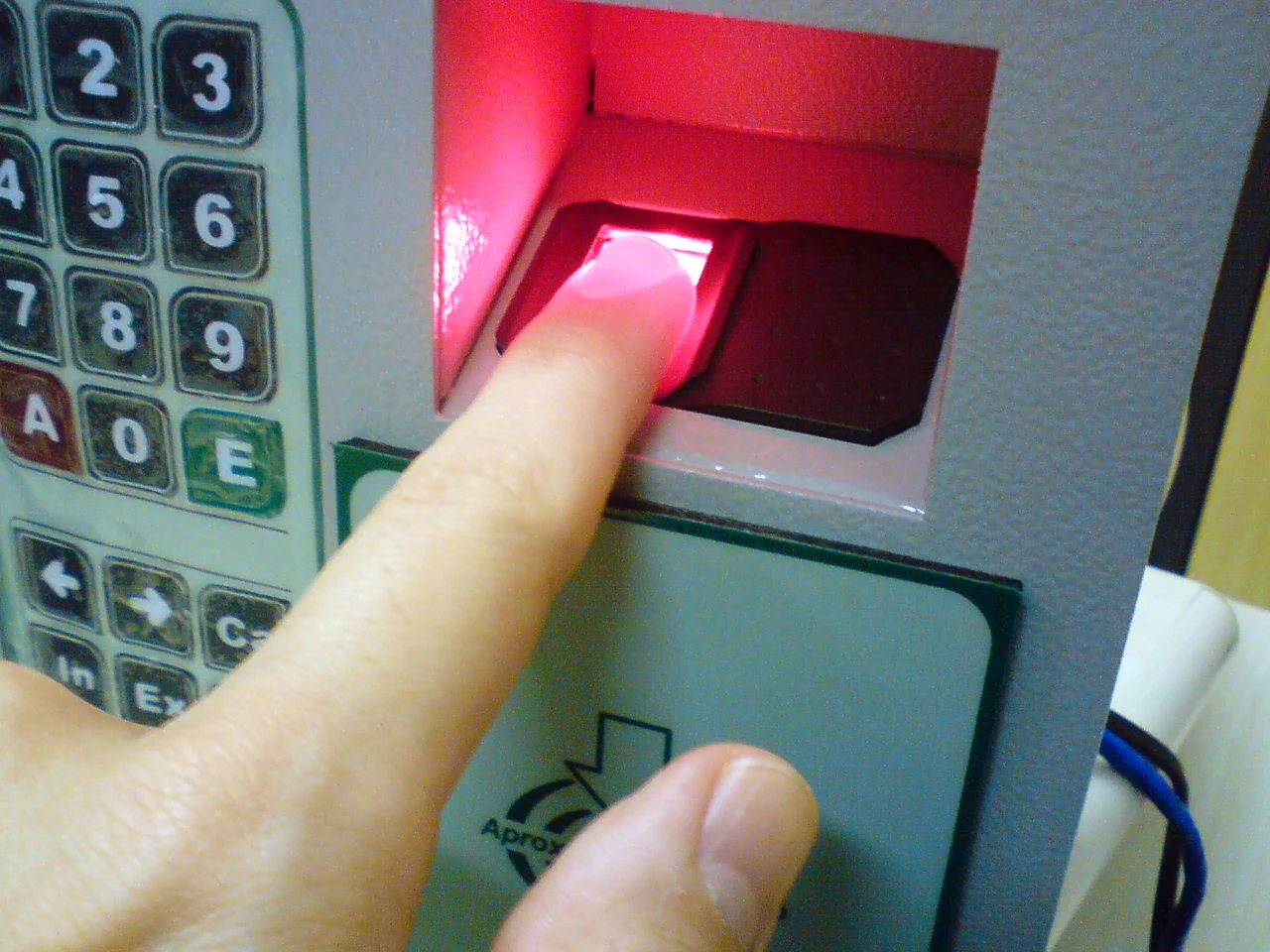
| Fingerprint (Touch ID) | Sensor reads finger ridge patterns | Fast, familiar, works with masks on | Prints can be lifted from surfaces; ~1 in 50,000 false-match rate |
| 2D face unlock | Selfie camera matches a flat image | Cheap, convenient | Some implementations beaten by photographs |
| Iris scan | Infrared imaging of iris patterns | Extremely distinctive patterns | Needs precise alignment; rare on phones |
What Are the Real Limits of Biometric Security?
- People who look like you. Twins, close siblings, and young children are the documented weak spot.
- You can’t change your face. A leaked password resets in seconds; a compromised facial template is compromised for life. Treat biometrics as a convenient username, not an unchangeable password — and make your backup passcode long and alphanumeric (How-To Geek).
- The law treats your face differently than your passcode. US courts have split: a 2019 federal ruling in California held that forcing a biometric unlock violates Fifth Amendment protections, while other courts have treated biometrics like a booking fingerprint and allowed it (Digital Trends). Genuinely unsettled.
- Apps see only coarse data. With camera permission, apps can read rough facial-expression data for filters — not enough to identify you, and Apple bans selling it or using it for ads. Privacy advocates still question enforcement.
Can Face ID Work While You’re Wearing a Mask?
On iPhone 12 and later with iOS 15.4 or newer, yes. “Face ID with a mask” reads the unique area around your eyes and works for unlocking, apps, and Apple Pay — though Apple cautions it’s most accurate with full-face enrollment (Apple Support). It won’t work with sunglasses — register up to four pairs of regular glasses instead — and the mask can’t cover your eyes. Eyeing a newer model for this? See When Should You Replace Your Phone? A Practical Guide.
How to Use Face ID More Safely
- Set a strong alphanumeric passcode. Face ID’s convenience makes a long passcode painless — and the passcode, not your face, encrypts your data.
- Keep “Require Attention” on so a glance, not just a face-shaped object, is required.
- Learn the instant lockdown: hold the side button + volume button to disable Face ID until the passcode is entered.
- Skip the second appearance unless you need it — each enrolled face raises false-match odds.
- Keep iOS updated; Apple quietly hardens anti-spoofing in software updates.
Frequently Asked Questions
Is Face ID safer than Touch ID?
On paper, yes — Apple’s security documentation puts a random stranger’s odds at about 1 in 1,000,000 for Face ID versus 1 in 50,000 for Touch ID. Both use the same Secure Enclave hardware, and both beat a weak four-digit passcode.
Can Face ID be fooled by a photo or a mask?
A photo can’t work: Face ID measures a 3D depth map with infrared light, so a flat image doesn’t register as a face. A handcrafted 3D mask succeeded once in a 2017 proof of concept, but it needed a detailed scan of the victim’s face first — not a realistic everyday threat.
Does Apple store my face data on its servers?
No. It becomes an encrypted mathematical representation stored only in your device’s Secure Enclave — never sent to Apple, never in iCloud backups, never shared with apps, which only get a yes-or-no result.
Can Face ID work in the dark?
Yes. The TrueDepth system uses its own infrared flood illuminator rather than visible light, and Apple says the output is low-power and meets international safety standards.
Can the police force me to unlock my iPhone with Face ID?
US courts have reached opposite conclusions — some call compelled biometric unlocks a Fifth Amendment violation, others treat biometrics as physical evidence. Passcodes have generally enjoyed stronger protection. If it matters to you, the side-button-plus-volume-button shortcut instantly forces passcode-only entry.
Face ID is the most polished face-unlock on any phone — fast, private by design, and clever hardware. Remember: it’s a convenient lock on your front door, not a replacement for the deadbolt of a strong passcode.

Developers, designers and marketers who build websites, software, apps and automations for businesses worldwide. Our editorial policy