
In today’s fast-moving AI landscape, businesses and developers are constantly searching for powerful tools that can automate tasks, manage AI agents, and connect workflows intelligently. OpenClaw AI is one such emerging platform designed to simplify AI agent orchestration, automation, and decision-making.

Whether you are a developer, automation expert, AI enthusiast, or business owner, understanding OpenClaw AI, how it works, and how to set it up correctly can give you a strong competitive advantage.
This complete guide will walk you through:
- What OpenClaw AI is
- How OpenClaw AI works
- Key features and benefits
- System requirements
- Full OpenClaw AI setup (step-by-step)
- Use cases and best practices
What Is OpenClaw AI?
OpenClaw AI is an open-source or semi-open AI agent framework designed to create, manage, and execute intelligent AI agents that can perform complex tasks autonomously or semi-autonomously.
Unlike traditional automation tools that rely on rigid rules, OpenClaw AI focuses on:
- Reasoning-based decision making
- Multi-agent collaboration
- Tool usage and task execution
- Integration with APIs, databases, and external services
In simple terms, OpenClaw AI acts as a central brain that allows AI agents to:
- Understand goals
- Break them into tasks
- Use tools
- Execute actions
- Return structured results

Why OpenClaw AI Is Important
AI agents are the future of automation. Instead of simple “if-this-then-that” logic, AI agents can:
- Think contextually
- Adapt to new inputs
- Make decisions dynamically
OpenClaw AI makes this possible without building everything from scratch.
Key Benefits of OpenClaw AI
- Open and flexible architecture
- Custom AI agent creation
- Tool-calling and API integration
- Scalable for businesses and startups
- Developer-friendly setup
How OpenClaw AI Works
Understanding how OpenClaw AI works helps you use it effectively.
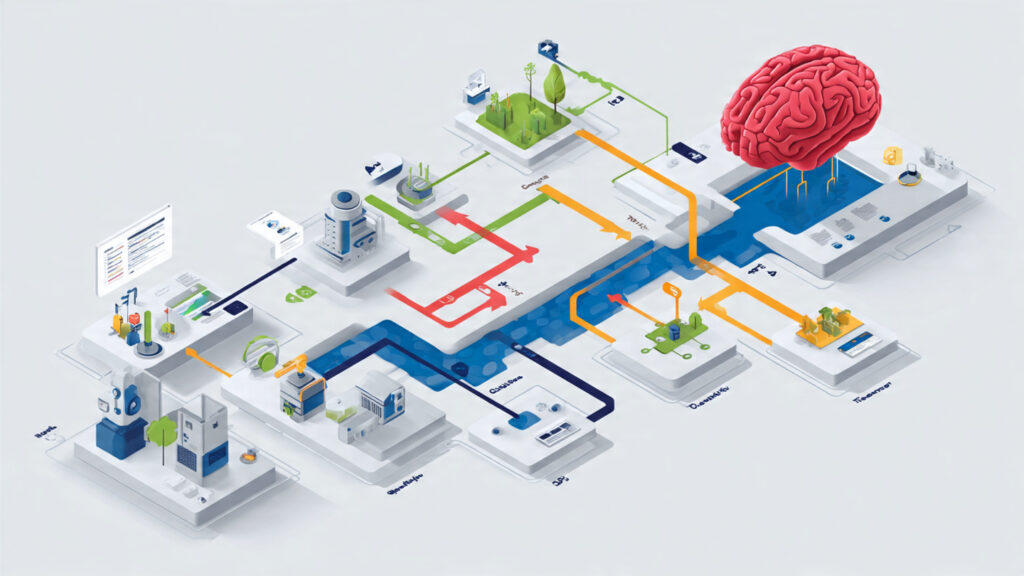
Core Working Process
- User Defines a Goal
Example: “Generate a marketing plan for a small business” - AI Agent Interprets the Goal
The agent analyzes intent and context. - Task Breakdown
The goal is divided into smaller executable steps. - Tool Selection
The agent chooses tools such as:- Web search
- Database query
- API call
- File generation
- Execution & Reasoning
The agent performs tasks while reasoning between steps. - Final Output
Structured, actionable results are returned.
This reasoning-first approach makes OpenClaw AI far more powerful than basic automation tools.
Key Features of OpenClaw AI
1. AI Agent Framework
Create intelligent agents that can think, plan, and act.
2. Tool Calling System
Agents can use:
- APIs
- Scripts
- Web tools
- Databases
3. Modular Architecture
Add or remove components easily.
4. Multi-Agent Collaboration
Multiple agents can work together on a single task.
5. Open Integration
Works with:
- LLMs (OpenAI, local models, etc.)
- Automation platforms
- Custom tools
System Requirements for OpenClaw AI Setup
Before installation, ensure your system meets these requirements.
Minimum Requirements
- Operating System: Windows, macOS, or Linux
- Python: Version 3.9 or higher
- RAM: 8GB (16GB recommended)
- Internet connection
Recommended Tools
- Python virtual environment
- Git
- VS Code or any code editor
- API keys (OpenAI or other LLM providers)
OpenClaw AI Full Setup (Step-by-Step)

Step 1: Install Python
Check if Python is installed:
python --version
If not, download Python from the official site and install it.
Step 2: Create a Virtual Environment
This keeps dependencies clean.
python -m venv openclaw-env
Activate it:
openclaw-env\Scripts\activate
Mac / Linux
source openclaw-env/bin/activate
Step 3: Install OpenClaw AI
Clone or install OpenClaw AI (example structure):
git clone https://github.com/openclaw-ai/openclaw
cd openclaw
pip install -r requirements.txt
Step 4: Configure Environment Variables
Create a .env file:
OPENAI_API_KEY=your_api_key_here
MODEL_NAME=gpt-4
You can also connect:
- Local LLMs
- Azure OpenAI
- Other providers
Step 5: Define Your First AI Agent
Example agent configuration:
agent:
  name: ResearchAgent
  role: Market Research Specialist
  goal: Analyze competitors and generate insights
This defines:
- Agent personality
- Responsibilities
- Objective
Step 6: Add Tools
Tools allow agents to act.
Examples:
- Web search tool
- File writer
- API connector
tools:
  - web_search
  - file_writer
Step 7: Run OpenClaw AI
Start the system:
python main.py
Your agent will now:
- Accept tasks
- Process goals
- Execute actions
- Return results

Common OpenClaw AI Use Cases
1. Business Automation
- Lead qualification
- CRM updates
- Email generation
2. Content Creation
- Blog writing
- SEO research
- Social media planning
3. Data Analysis
- Report generation
- Market research
- Trend analysis
4. Customer Support
- AI chat agents
- Ticket categorization
- FAQ automation
Best Practices for OpenClaw AI
- Start with simple agents
- Use clear goals
- Limit tools initially
- Monitor agent outputs
- Optimize prompts regularly
Common Mistakes to Avoid
- Giving vague goals
- Using too many tools at once
- Ignoring logging and debugging
- Not securing API keys
Avoiding these mistakes saves time and resources.
OpenClaw AI vs Traditional Automation
| Feature | OpenClaw AI | Traditional Automation |
|---|---|---|
| Decision Making | Intelligent | Rule-based |
| Flexibility | High | Low |
| Scalability | Excellent | Limited |
| Reasoning | Yes | No |

Why Businesses Are Adopting OpenClaw AI
Companies are moving toward AI agents because they:
- Reduce manual work
- Increase efficiency
- Scale operations faster
- Improve decision-making
OpenClaw AI provides this power without heavy enterprise costs.
Final Thoughts on OpenClaw AI Setup
OpenClaw AI is a powerful platform for anyone looking to build smart AI agents that go beyond simple automation. With the right setup, configuration, and strategy, it can transform how businesses, developers, and startups operate.
By following this complete OpenClaw AI setup guide, you now understand:
- What OpenClaw AI is
- How it works
- How to install and configure it
- How to use it effectively
If you’re serious about AI automation, agent workflows, and intelligent systems, OpenClaw AI is absolutely worth exploring.
Contact Netra Solutions today for expert digital marketing services for small businesses and start turning your online presence into real results.